

Account Page (Pro)
This page explains how NoCopium Trade Journal Pro is sold and activated.
What it does
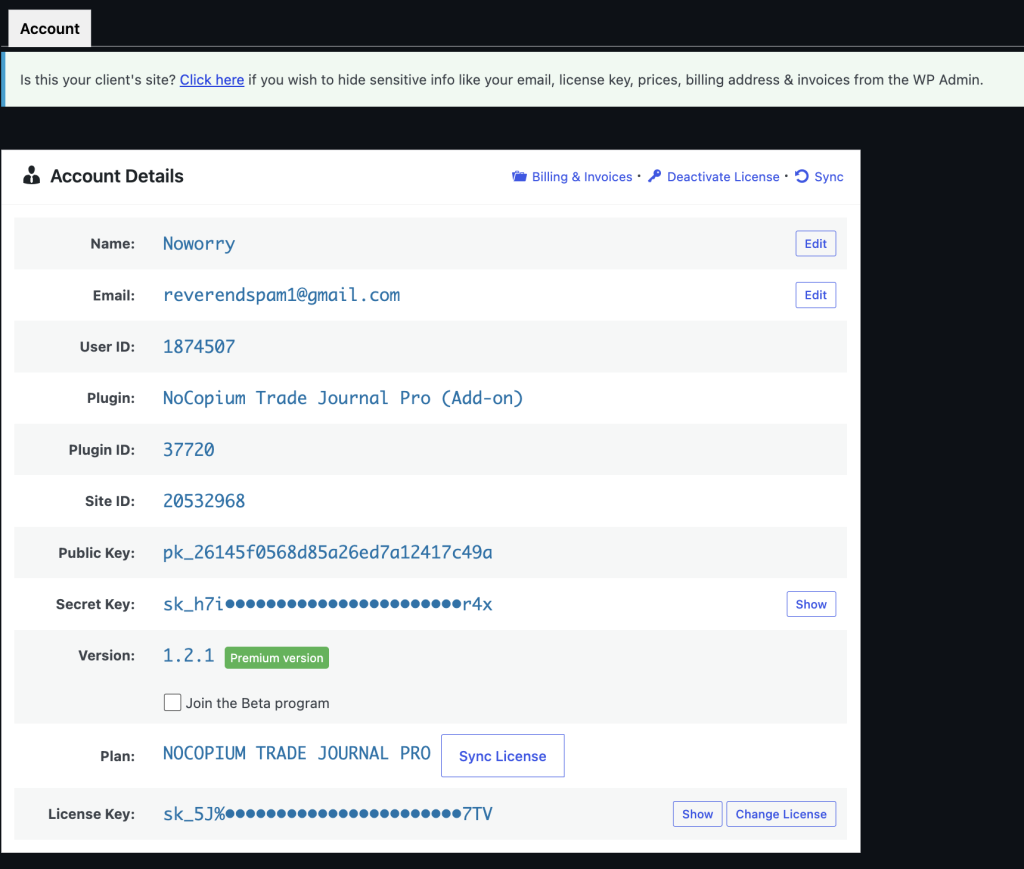
NoCopium Trade Journal Pro is purchased from nocopium.com. After you install it alongside NoCopium Trade Journal, Freemius handles the license, billing, and updates.
Why it matters
Keep NoCopium Trade Journal installed. Your trades stay there.
Pro adds Import, Analytics, more Dashboard date options, and updates through Freemius — not a second journal.
Important
NoCopium Trade Journal Pro is not distributed through WordPress.org.
Buy it from nocopium.com and use your Freemius Account screen in WordPress for licensing and updates.
Do I need both plugins?
Yes.
Keep NoCopium Trade Journal installed when you install Pro. Pro extends the Free journal; it does not replace it.
Get started
- Buy NoCopium Trade Journal Pro on nocopium.com (or start a trial if one is offered).
- Download the Pro zip from your account or order email.
- Install it alongside NoCopium Trade Journal.
- Activate NoCopium Trade Journal first, then activate NoCopium Trade Journal Pro.
- Open Freemius Account (under NoCopium Trade Journal once Pro is active) for license, billing, and updates — not Settings.
Turning Pro off does not delete your trades in NoCopium Trade Journal.
What you get
| NoCopium Trade Journal | NoCopium Trade Journal Pro | |
|---|---|---|
| Manual journal | Yes | Same journal |
| Rolling / linked trades | Yes | Same; Pro also flags Possible rolls after import |
| Import from Tastytrade | — | CSV and optional sync |
| Analytics | — | Yes (including Export CSV) |
What this page is not
- Not Settings (accounts, strategies, currency)
- Not the Import screen itself
- Not a second journal database